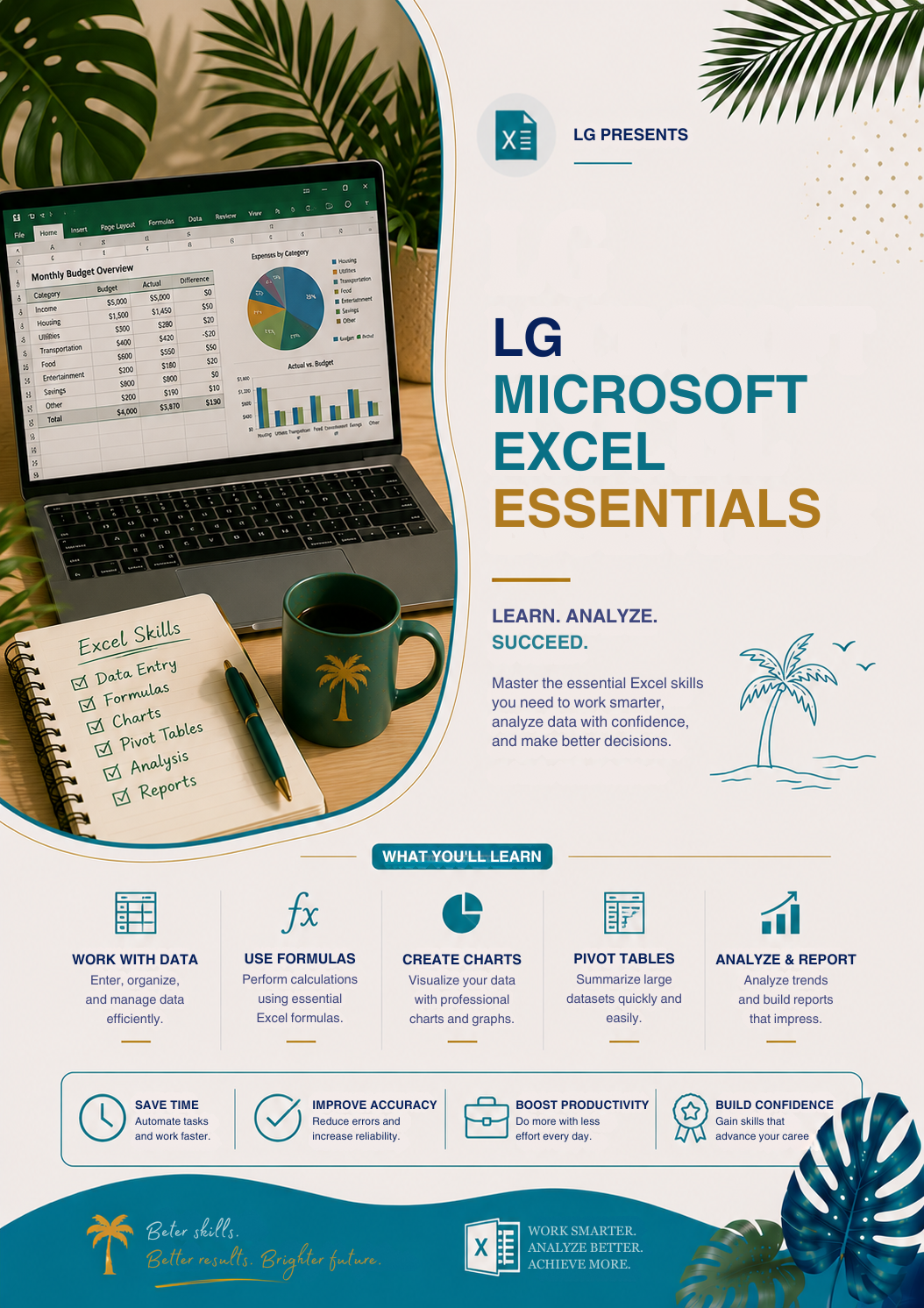
Learners Guide – Microsoft Excel Essentials
Learners Guide – Microsoft Excel Essentials
Couldn't load pickup availability
DESCRITPION
DESCRITPION
Microsoft Excel is one of the most powerful tools for organizing data, analyzing information, and improving productivity. LG – Microsoft Excel Essentials is designed to help beginners understand Excel from the ground up and build practical skills they can use in study, work, and business.
Whether you are a student, office worker, freelancer, or business owner, this workshop helps you learn Excel in a simple, structured, and practical way.
Why You’ll Love This Workshop
Many people use Excel daily but only know the basics, which limits their efficiency.
This workshop breaks Excel into easy, step-by-step learning so you can confidently use formulas, organize data, and create clean spreadsheets without confusion.
It focuses on real-world usage, not just theory.
Inside This Workshop, You’ll Learn:
- Introduction to Excel interface and tools
- Basic data entry and formatting
- Creating tables and organizing data
- Essential formulas (SUM, AVERAGE, MIN, MAX)
- Cell referencing and simple functions
- Sorting and filtering data effectively
- Creating basic charts and visual reports
- Common mistakes and how to avoid them
Perfect For:
- Beginners in Microsoft Excel
- Students and job seekers
- Office and administrative staff
- Freelancers and business owners
- Anyone improving digital skills
Build Strong Excel Skills for Real Work
This workshop helps you build confidence, improve productivity, and manage data more efficiently in any professional setting.
Excel is a must-have skill in today’s digital world.